AI form workflow automation — no config required
Describe your form workflow. FormBot builds and runs it.
FormBot is an AI that designs and executes form-based workflows for you. Tell it what should happen when someone fills out your campaign form — log it to Sheets, send a follow-up email, push to your CRM — and it handles the rest. No drag-and-drop canvas. No manual wiring.
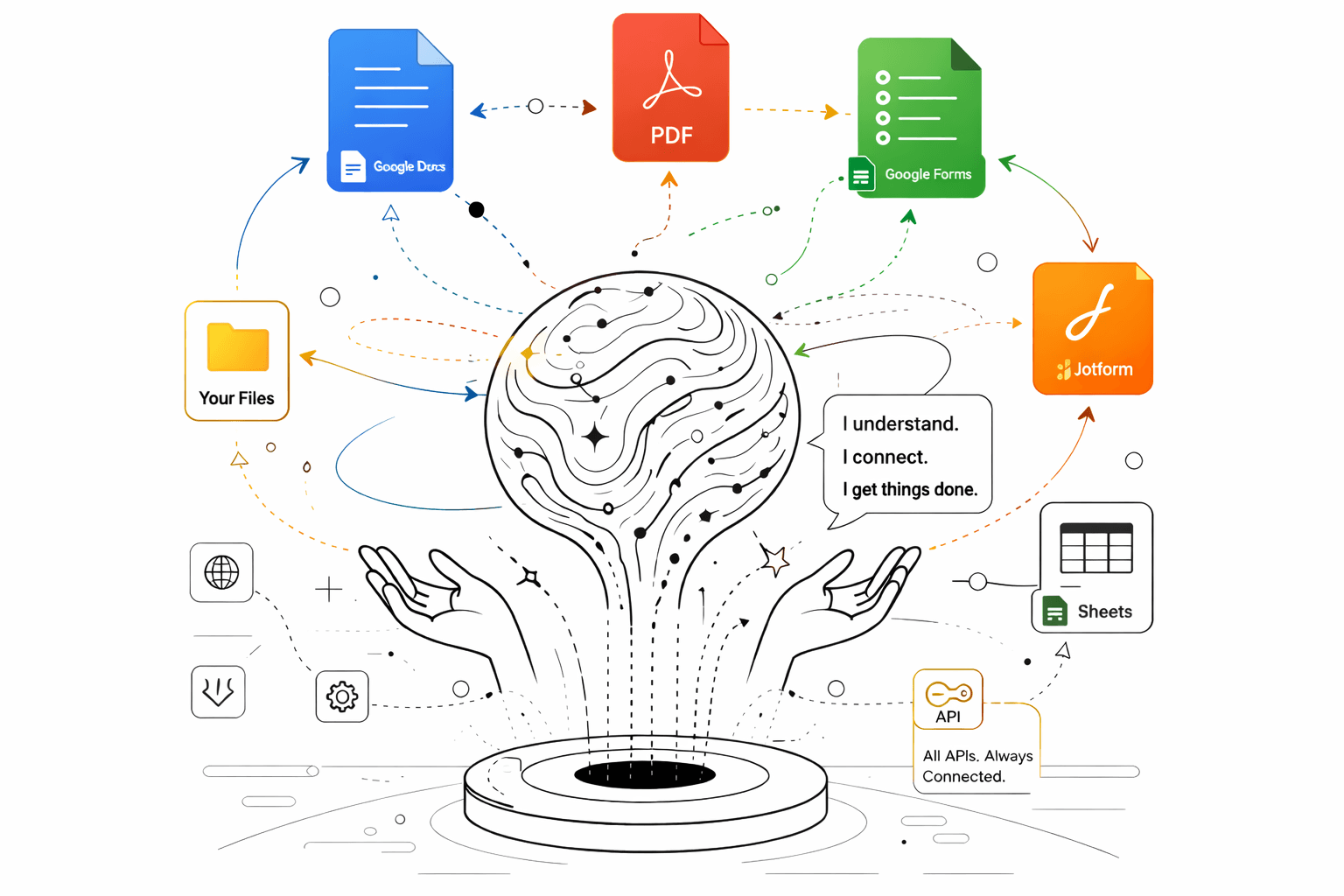
Works with
Sound familiar?
- Your campaign form collects leads but nothing happens automatically — someone has to manually copy entries into a spreadsheet and send follow-ups.
- You need a PDF intake form converted to an online form, but the field types and validation have to be rebuilt from scratch.
- You have a spreadsheet of 100 contacts and need personalized documents generated for each one — there's no way to do that without a developer.
How it works
- 1
Describe the outcome you want
"When someone fills my JotForm, log it to Google Sheets and send them a confirmation email." That's it.
- 2
FormBot designs the workflow
It identifies the steps, confirms the logic with you, and connects the systems — no canvas to drag and drop.
- 3
It runs the workflow for you
FormBot executes it live: writes to Sheets, sends emails, generates documents, or converts forms — all in one pass.
What you get
- Route campaign submissions to Google Sheets automatically
- Trigger follow-up emails from any form entry
- Push form data to connected systems (CRM, Slack, etc.)
- Convert PDF forms to Google Forms, JotForm, or Typeform
- Bulk generate filled PDFs or documents from spreadsheet data
- Build operational intake workflows without any configuration
Frequently asked questions
How is FormBot different from Zapier or Make?
Zapier and Make require you to configure every step visually — triggers, actions, field mappings. FormBot lets you describe the outcome in plain English and it builds the entire workflow. It handles field-type-aware mapping, multi-select fields, incomplete submissions, and edge cases automatically.
Can FormBot handle Typeform responses with multi-select fields?
Yes. FormBot understands Typeform's field types and correctly maps multi-select, ranking, and matrix responses to individual Google Sheets columns — something that often breaks with generic integration tools.
Can I backfill historical form responses?
Yes. FormBot can pull historical submissions from Typeform, JotForm, or Google Forms and process them through the same workflow — not just new responses.
What form platforms does FormBot support?
FormBot works with JotForm, Typeform, and Google Forms as input sources. It can also convert PDF forms into any of these digital form platforms.
Can FormBot send follow-up emails after form submission?
Yes. You can tell FormBot to send a confirmation email, a custom follow-up, or route notifications to different people based on form responses — all configured through natural language.
Is FormBot free?
Yes. FormBot is a free tool. Sign in with Google, connect your form platform and Google Sheets, and describe the workflow you want. No credit card required.